Harness
Native macOS terminal with GPU rendering, durable sessions, coding-agent workflows, and SSH connectivity. Session host, daemon, and CLI support Linux; optional MCP and AI summaries.
Harness is an open-source terminals project on GitHub under the MIT license (permissive), with 309 stars. It is built with Swift and CPython. Its last push was 22 days ago.
- Stars
- 309
- License
- MIT
- Activity
- Active
- Latest release
- v2.4.1
Judgement
- What it is
- Complete system
- What it does
- A native macOS terminal with its own GPU renderer and a session host that keeps shells running after you quit the app. It watches coding agents such as Claude Code and Codex and flags when one needs attention, and has a CLI and a daemon usable over SSH, including on Linux.
- Adopt it when
- You want a Mac terminal whose sessions survive app restarts and that notices when an agent is waiting.
- Watch out
- The GUI is macOS only, the project is five months old, and its agent hooks follow third-party tools that change often.
- Ready for
- Usable
- Runs as
- Desktop app and command line
- Built with
- Swift, Python and Metal
- How established
- New: started 5 months ago, latest release v2.4.1.
- What the license allows
- You can build it into a product you sell, as long as you keep its copyright notice.
Judged on 2026-11-06 from the project's README and GitHub data. The license and age lines are worked out directly.
Built from
Follow it down: Harness → Swift → LLVM project → runs on a microchip
Open-source alternatives to Harness
-
1
Alacritty alacritty
A cross-platform, OpenGL terminal emulator.
Developer tool Production-ready You pair your terminal with tmux or Zellij for tabs and splits and want the terminal itself to be fast and simple.
★ 66k Apache-2.0 Rust Active, pushed 3 days ago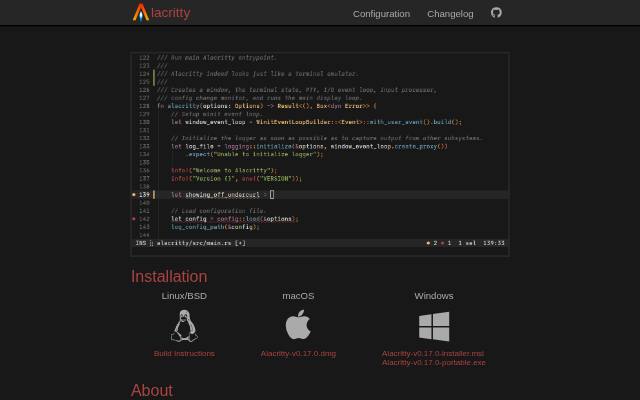
-
2
Ghostty ghostty-org
👻 Ghostty is a fast, feature-rich, and cross-platform terminal emulator that uses platform-native UI and GPU acceleration.
Developer tool Production-ready You want a fast terminal that looks and behaves like a native app on macOS or GTK Linux with sensible defaults.
★ 64k MIT Zig Active, pushed today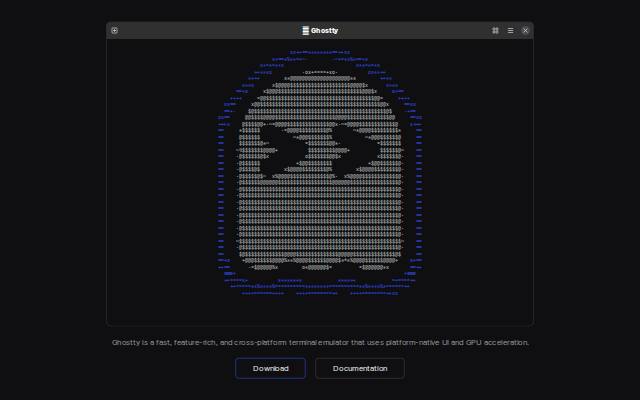
-
3
tmux tmux
tmux source code
Developer tool Production-ready You work on remote servers and need sessions that survive dropped connections, using a tool already packaged on almost every Unix system.
★ 50k ISC C Active, pushed 2 days ago -
4
Zellij zellij-org
A terminal workspace with batteries included
Developer tool Usable You want what tmux does but with on-screen key hints, floating panes and layouts that work without learning a config language.
★ 36k MIT Rust Active, pushed today
-
5
kitty kovidgoyal
If you live in the terminal, kitty is made for you! Cross-platform, fast, feature-rich, GPU based.
Developer tool Production-ready You live in the terminal on Linux or macOS and want splits, images and remote control without adding a multiplexer.
★ 36k GPL-3.0 Python Active, pushed today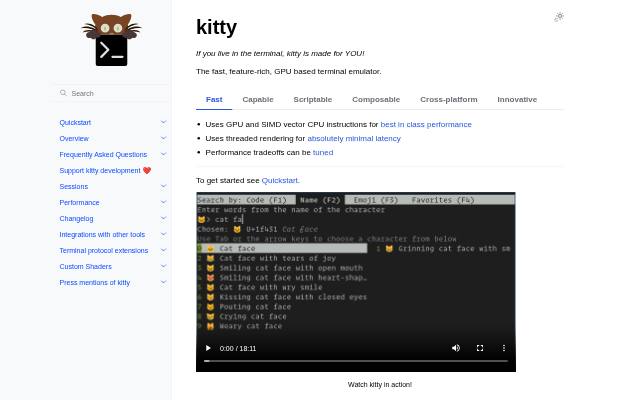
-
6
WezTerm wezterm
A GPU-accelerated cross-platform terminal emulator and multiplexer written by @wez and implemented in Rust
Developer tool Production-ready You want the same scriptable terminal on every operating system, including Windows, with built-in multiplexing.
★ 29k See repository Rust Active, pushed 10 days ago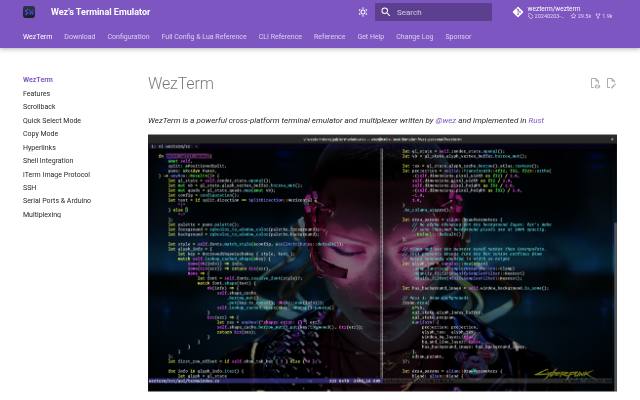
-
7
iTerm2 gnachman
iTerm2 is a terminal emulator for Mac OS X that does amazing things.
Developer tool Production-ready You work on a Mac and want a mature replacement for Terminal.app with deep tmux and SSH features.
★ 18k GPL-2.0 Swift Active, pushed today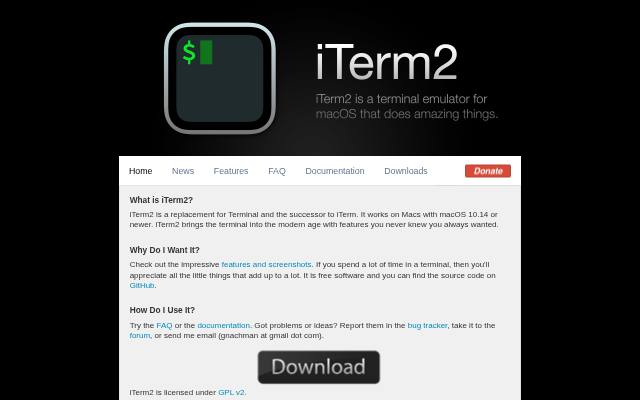
-
8
Rio raphamorim
A hardware-accelerated GPU terminal emulator focusing to run in desktops and browsers.
Developer tool Usable You want a fast, minimal terminal and are happy with a younger project than Alacritty or Kitty.
★ 7.7k MIT Rust Active, pushed today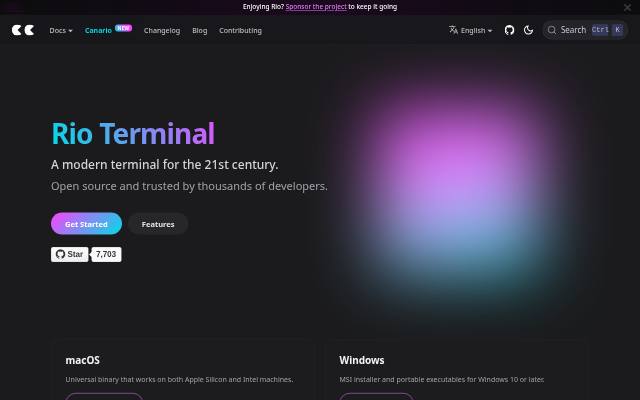
Stars, license and activity come from GitHub and refresh on a rolling hourly schedule. The project's own description is quoted as written.